
Last updated November 16, 2026
 Wrought iron
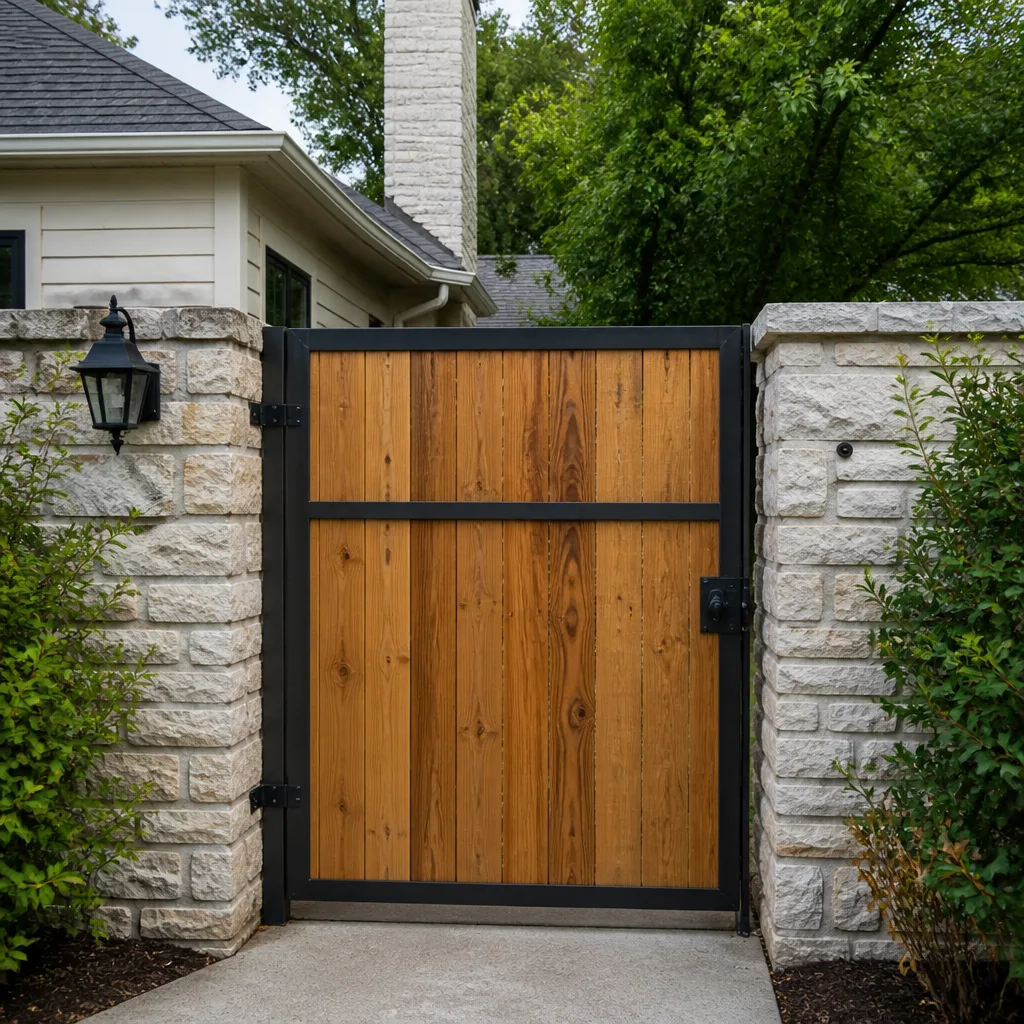 Wood & steel frame
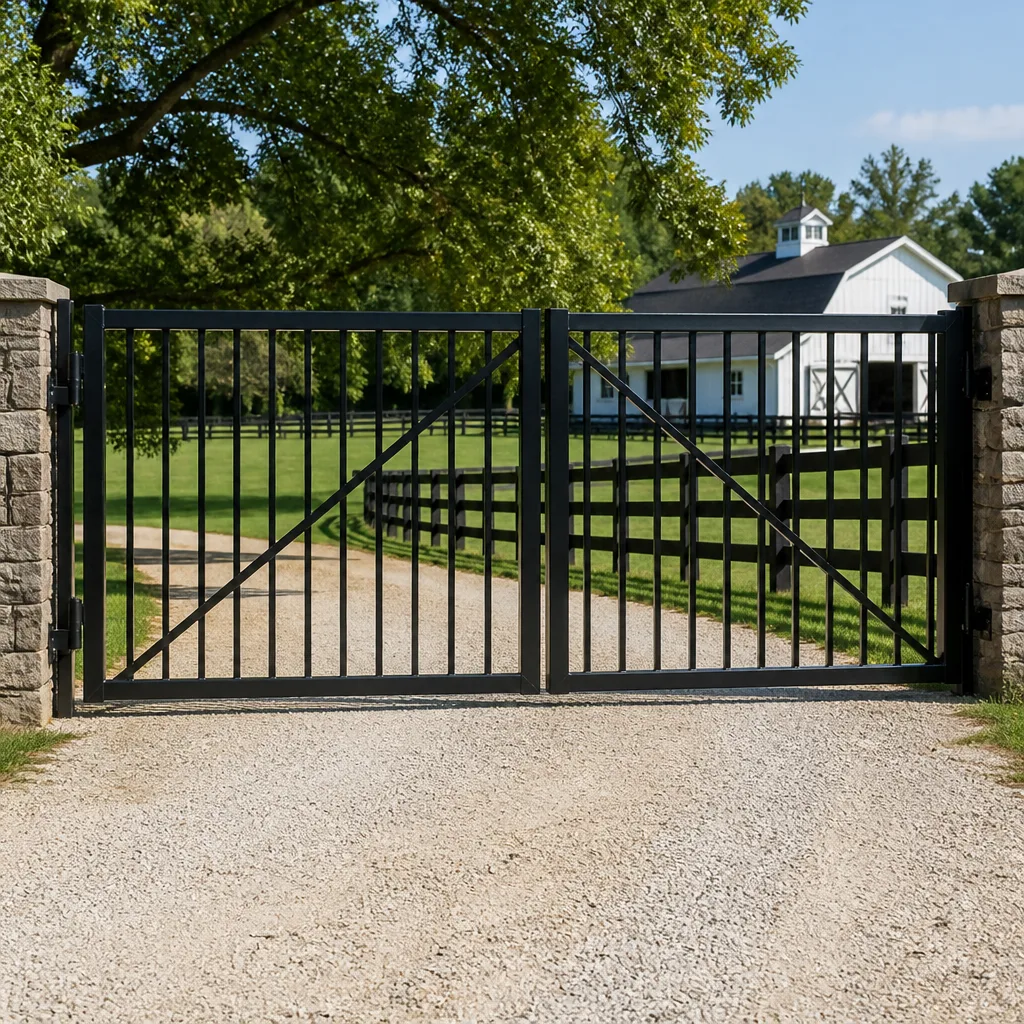 Farm & ranch
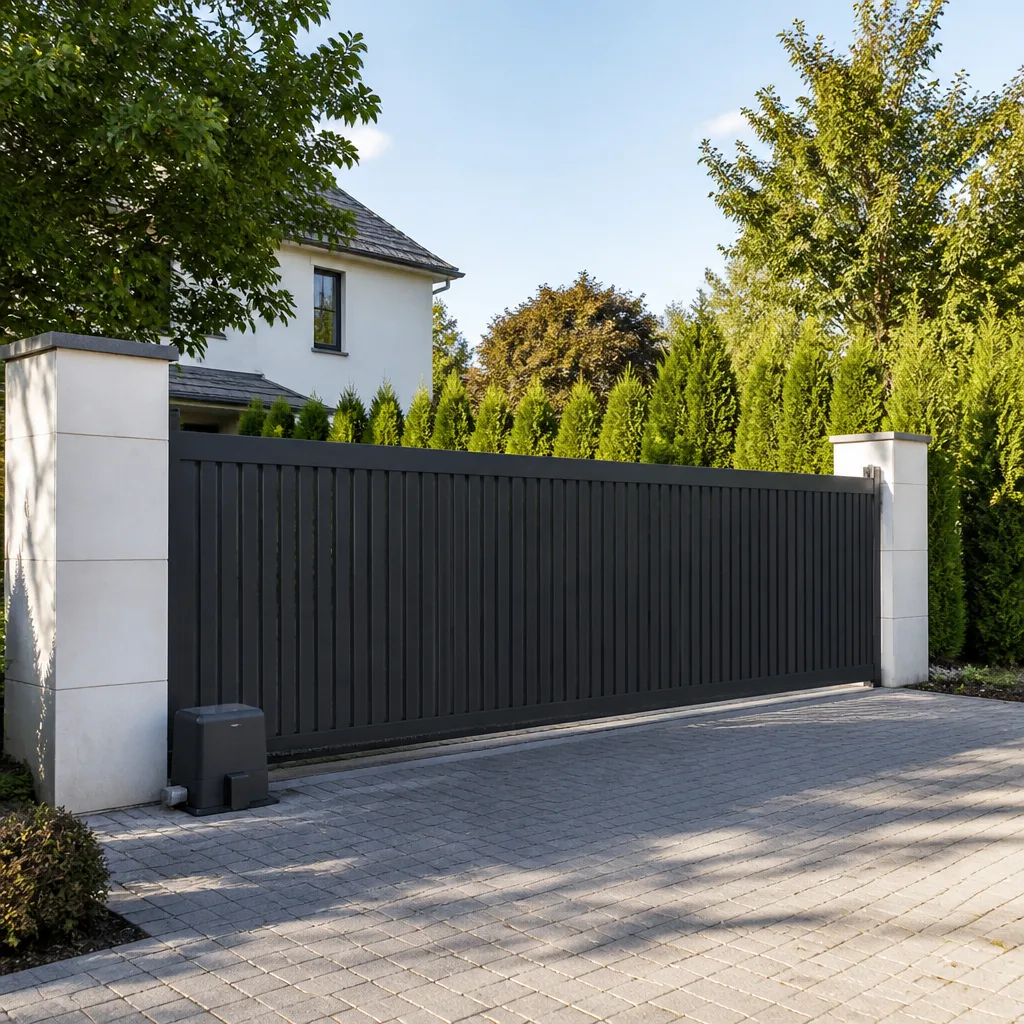 Sliding driveway gates
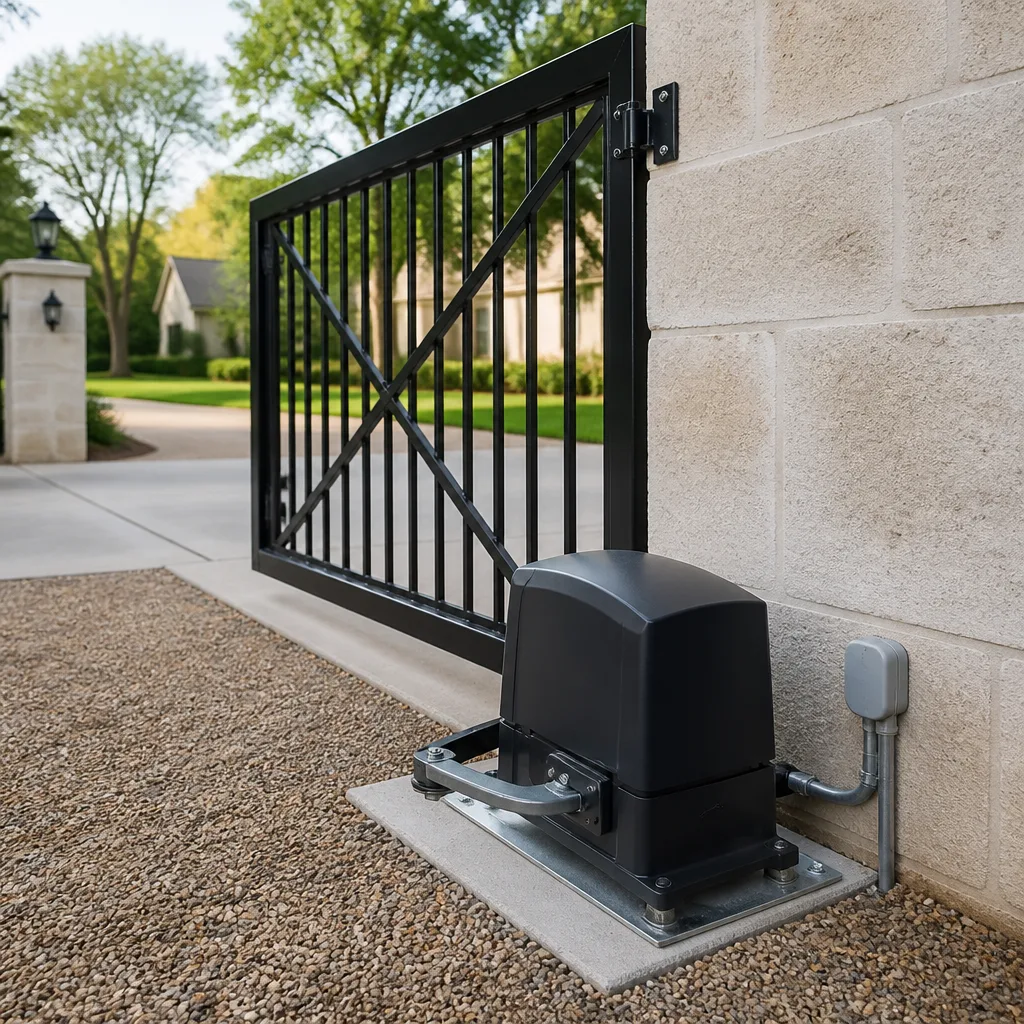 LiftMaster operators
Free on-site gate assessment - hinges, posts, and your LiftMaster or Nice gate operator checked before anything is quoted
The assessment is free and the quote is the invoice.
Get your free estimateGate Repair Warning Signs: A Hampton Homeowner’s Reference Guide
A gate that hesitates before it opens isn’t “just getting old.” That pause is information. It’s the sound of a control board working against a voltage drop, a bound hinge, or a limit switch that’s drifted out of position, and in Hampton’s humid summers those small symptoms tend to move from “quirk” to “won’t open at all” faster than most people expect. Gates rarely fail without warning. They grind, click, hum, slow down, and stop short for weeks first. This guide decodes those signals: what each sound points to, how to tell a mechanical problem from an electrical one without touching any wiring, and which warning signs give you a comfortable scheduling window versus which ones mean call this week. Every symptom here is something we diagnose regularly on residential and commercial gates across Hampton.
Quick Answer
Gate trouble in Hampton usually shows up first as a sound (grinding, clicking, humming), a change in movement (slow, jerky, or stopping short), or a control symptom (intermittent response, working one direction but not the other). Mechanical signs like binding hinges or a leaning post often allow a 30-day scheduling window; electrical signs such as a humming motor, dead control board, or sensor that triggers on its own should be seen within the week. Photograph the symptom before you call so the diagnosis starts informed instead of from scratch.
Styles & brands we work with
- Wrought iron
- Wood & steel frame
- Farm & ranch
- Sliding driveway gates
- LiftMaster operators
Table of Contents
- What do the noises your gate makes actually mean?
- Movement warning signs: slow, jerky, and stopping short
- Control warning signs: intermittent response and one-direction failure
- How to tell a mechanical warning sign from an electrical one
- Hampton’s climate and the warning signs it leaves behind
- Which warning signs give you 30 days and which need this week
- How to document symptoms before you call
- Common mistakes to avoid
What do the noises your gate makes actually mean?
Sound is the earliest and most reliable warning sign a gate gives you, and it maps closely to what’s actually failing. A grind is mechanical friction. A click is usually an electrical relay or a control board trying to send a command. A hum with no movement is a motor receiving power but unable to turn. Learning to separate these by ear is the fastest way to describe your problem accurately when you call.
- Grinding or scraping: worn hinge bearings, a roller that’s seized, a chain or track that’s out of alignment, or debris packed into a track. This is friction, and it accelerates wear every time the gate cycles.
- Clicking with no movement: a relay or contactor in the control box firing without the motor engaging. Common on aging boards and often a control-side fault rather than a motor fault.
- Humming but not moving: the motor is getting power but the gate is jammed, the operator is bound, or a gear is stripped. Stop cycling the gate when you hear this; running a stalled motor can burn it out.
- Popping or snapping: a chain jumping on a sprocket, a worn gear, or an arm that’s worked loose. This one tends to get worse quickly.
- Buzzing at the control panel: an electrical fault in the board or wiring, and a signal to leave the panel closed and call a technician.
One note on safety: the parts that drive an automated gate carry real force, and the operator’s wiring and power supply can be dangerous if poked at without training. We’re describing what sounds mean, not asking you to open a control box or reach into a moving operator. If a noise is coming from inside the motor housing or the control enclosure, that’s a job for a trained technician.
Movement warning signs: slow, jerky, and stopping short
When a gate’s motion changes, the change is telling you where the resistance is. A gate that used to swing smoothly and now stutters is fighting something, and that something is usually mechanical: a hinge, a roller, a sagging post, or a track that’s picked up grit. Catching it here is how you avoid a motor replacement down the road, because a motor that’s been dragging against friction for months is a motor that’s been wearing out the whole time.
Watch for these movement patterns:
- Slowing throughout the cycle: increasing friction in hinges, rollers, or the track, or a failing operator gearbox.
- Jerking or stuttering: a bound hinge, a chain catching, a worn sprocket, or a loose mounting that lets the operator shift under load.
- Stopping short of full travel: limit switches out of adjustment, an obstruction the gate is sensing, or an operator that’s lost its travel calibration.
- Drifting back after it closes: a worn or misadjusted limit, or a slide gate that’s off its track.
- A visible sag or lean: post settle or soil shift, which changes the gate’s geometry and forces everything else to compensate.
If a swing gate drags on the ground or a slide gate has come off its track, stop operating it. A heavy gate panel that’s lost its support can fall or crush, and forcing it through a cycle makes that more likely, not less. Movement problems do tend to reward patience, though: most mechanical friction signs give you a comfortable scheduling window if you don’t keep running the gate.
Control warning signs: intermittent response and one-direction failure
Control symptoms are the electrical half of the picture, and they’re where a gate specialist earns their keep. A gate that opens fine from the keypad but ignores the remote, or opens but won’t close, is telling you something specific about where the fault lives: the receiver, the board, a safety sensor, a loop detector, or the wiring between them. This is the territory a general handyman usually can’t map, and it’s the reason brand knowledge matters. A technician who knows electric gate repair on Ghost Controls and DoorKing systems reads these symptoms against a mental wiring diagram instead of guessing.
- Works from one input but not another: a receiver, keypad, or intercom problem, not the operator itself.
- Opens but won’t close (or closes but won’t open): a safety sensor, loop detector, or limit setting telling the board the path isn’t clear.
- Responds sometimes, ignores you other times: intermittent wiring, a failing receiver, or a board on its way out.
- Sensor trips with nothing there: misalignment, a dirty lens, or humidity fogging the optics (more on this below).
- Everything dead at once: power supply, breaker, or control board. Don’t reset and retry repeatedly; that masks the symptom instead of fixing it.
Here’s where we can help beyond a diagnosis: because we work across established brands like Elite and Mighty Mule as well as the heavier commercial systems, we can identify the specific control issue and source the right part instead of proposing a whole new operator because the last shop didn’t recognize the board. We diagnose the system, not just the symptom.
How to tell a mechanical warning sign from an electrical one
You can usually sort a gate problem into mechanical or electrical without touching a single wire, and this distinction saves time and money. The trick is to watch what happens when the gate tries to move versus what happens when it tries to respond. If it responds (lights, clicks, motor hum) but struggles to move, you’re looking at mechanical resistance. If it struggles to respond at all, you’re looking at electrical control.
Use this sequence the next time your gate misbehaves:
- Listen first. Does the motor hum, click, or stay silent when you send a command? A hum or click with no movement points to a control or motor-side issue; silence usually points to power, receiver, or board.
- Try a second input. Test the keypad, a remote, and any interior switch. If only one input fails, the operator is probably fine and the input device is the problem.
- Watch the motion by hand (carefully). With the operator disengaged and power off, a swing gate should move with light, even resistance. If it binds, drags, or grinds, that’s mechanical.
- Look, don’t touch. Inspect hinges, rollers, track, and posts for rust, wear, or lean. Don’t open the control enclosure or probe wiring; that’s a technician’s job.
- Note the pattern. Intermittent, temperature-dependent, or humidity-dependent faults point to electrical; consistent grinding or binding points to mechanical.
This alone will make your call much more useful. For a broader view of how we approach the full range of gate problems, from broken hinges to failed motors, see our gate repair service.
Hampton’s climate and the warning signs it leaves behind
Gates in Hampton live with heat and humidity for much of the year, and that shapes which warning signs show up first. Humidity works on the electrical side and the mechanical side at once, which is why a gate that was fine in a dry spell can start acting up after a stretch of muggy weather. The symptoms below are ones we see often around Hampton, and they’re worth checking for specifically.
- Sensor false-triggers when it’s humid: moisture fogs or film on sensor optics and interferes with alignment, so the gate stops or reverses for no obvious reason. Clean lenses and correct alignment often resolve it; recurring trips point to a sensor that needs replacing.
- Rust bleed on concrete: orange staining around hinge plates, post anchors, or track fasteners is a mechanical warning. It means water is sitting against steel and the fastener or hinge is degrading.
- Post lean from soil shift: wet soil moves, and a post that shifts a fraction of an inch throws the whole gate’s travel off. You’ll notice it as a gate that suddenly drags, sticks, or won’t latch.
- Control board faults after storms: voltage surges and damp enclosures can knock out a board. If a gate dies right after weather, the board is a prime suspect and should be tested, not assumed dead.
- Connections that loosen over time: heat cycling and humidity work on terminal connections and wiring, producing the intermittent, works-sometimes faults that are hard for a homeowner to trace.
None of this is reason to panic. It’s reason to look. Some of these signs (rust bleed, post lean) let you schedule; others (false sensor trips causing the gate to stay open, control faults) need quicker attention. If you’re not sure which you’re looking at, that’s exactly the call we take.
Which warning signs give you 30 days and which need this week
Not every warning sign is urgent, and treating them all the same wastes money and stress. Sorting your symptom into “schedule it” or “call this week” is the most practical thing you can do after you’ve identified it. Here’s how we’d sort the common ones.
Signs that generally allow a 30-day scheduling window
- Slow, gradual increase in noise during operation (grinding, grinding getting louder).
- Rust bleed or surface staining on hinges, anchors, or track fasteners with the gate still moving normally.
- A gate that’s slightly harder to move by hand but still completes its cycle.
- Cosmetic lean, worn rollers, or a remote or keypad that’s getting finicky but still works most of the time.
Signs that need same-week attention
- A motor that hums or clicks but won’t move the gate at all (running it risks burning out the motor).
- A gate that stops short, reverses unexpectedly, or fails closed or open repeatedly (a safety sensor or limit fault can leave your property open).
- Intermittent operation that’s getting more frequent, or one-direction failure.
- A swing gate that’s dragging or a slide gate that’s come off its track (a heavy panel is a real injury and property risk).
- Any control board, power, or wiring symptom. Don’t keep resetting the system to force it through the day.
If your symptom lands in the second column, call and get on the schedule. If it’s in the first, book it and get it handled before it migrates. Either way, the estimate is free, and the price is set by a written estimate before any work starts, so you’re never surprised by a number you didn’t agree to.
How to document symptoms before you call
A short, clear record of what your gate is doing turns a long diagnostic visit into a focused one. The goal is to hand the technician facts, not a story. You don’t need to diagnose anything; you just need to capture what’s happening while it’s happening. Here’s a simple routine we recommend.
- Record a short video of a full cycle. Capture the gate opening and closing so the sound, motion, and any stops or reversals are visible in one clip. This is the single most useful thing you can bring to the call.
- Photograph the details. Hinge plates, the track or rollers, the post base and anchors, the control panel exterior, and any sensor lens. Close-ups of rust, wear, or misalignment help pinpoint the fault.
- Note the pattern. When does it happen: every time, only at certain times of day, only after rain, only in humid weather, only from one remote? Note whether the gate fails open, closed, or partially.
- Write down your gate and operator details. Brand, model if you can read it, and whether it’s a swing, slide, or barrier gate. Knowing it’s an Elite or Mighty Mule system up front lets us prepare the right diagnostic approach.
- Keep it factual. “Grinds loudly on closing, stops about a foot short, started three weeks ago, happens every time now” is exactly what a technician needs. No need to explain what you think is wrong.
A homeowner who does this hands us a ten-minute diagnosis instead of a forty-five-minute one. It’s the highest-value thing you can do short of being an electric gate specialist yourself, and it’s what our team does every week across Hampton.
Common Mistakes to Avoid
- Resetting the system and hoping it fixes itself. Repeatedly cycling a faulting gate to force it through the day masks the symptom and can turn a small repair into a motor or board replacement.
- Ignoring the two-second hesitation. A brief pause or slow-down is early warning, not normal aging. Letting it run for months is how friction turns into a burned-out operator.
- Spraying lubricant on everything. The wrong lubricant attracts grit, and some gate components shouldn’t be lubricated at all. Let a technician tell you what needs what rather than guessing.
- Opening the control box to “see what’s wrong.” The wiring and power in an operator enclosure can be dangerous, and you can’t diagnose a board by looking at it. Leave it closed and call.
- Skipping the video and photos. Calling without a record of the symptom means a longer diagnostic visit and a slower, less accurate answer. Capture it first.
- Waiting until the gate fails closed or open in a storm. Scheduling while the gate still works, even imperfectly, is cheaper and gives you room to fix it properly instead of reacting.
- Assuming any handyman can handle the electronics. Motor, control board, loop, and intercom diagnostics are specialist work. A generalist guess on an operator can make the problem worse.
See the difference
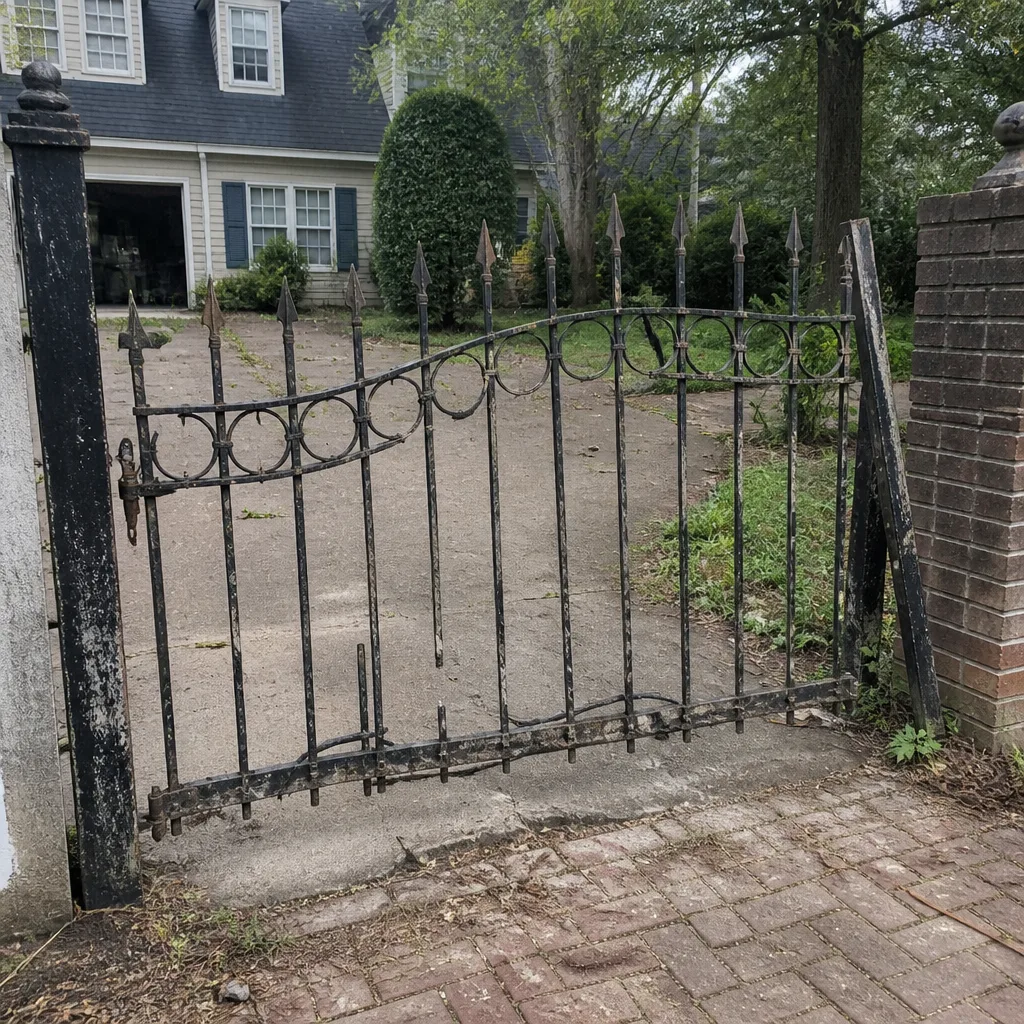 Before
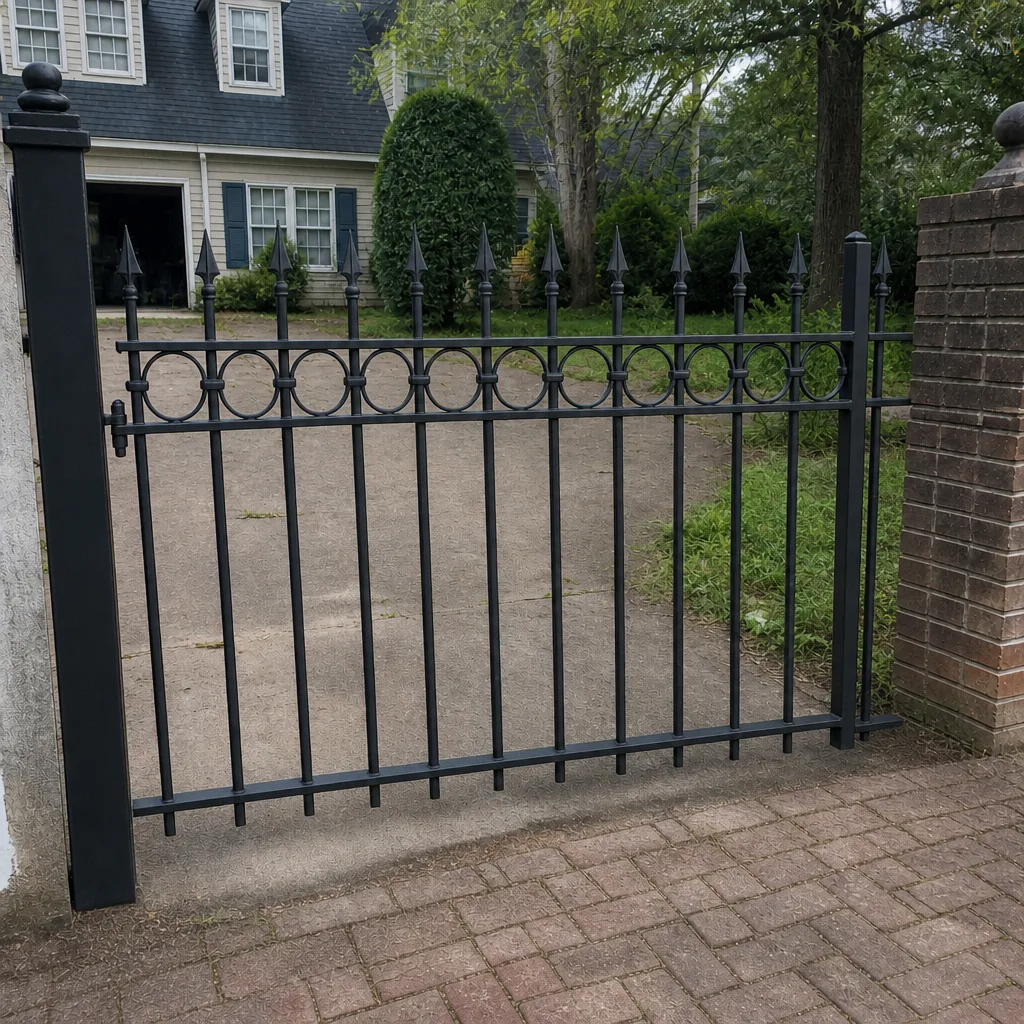 After
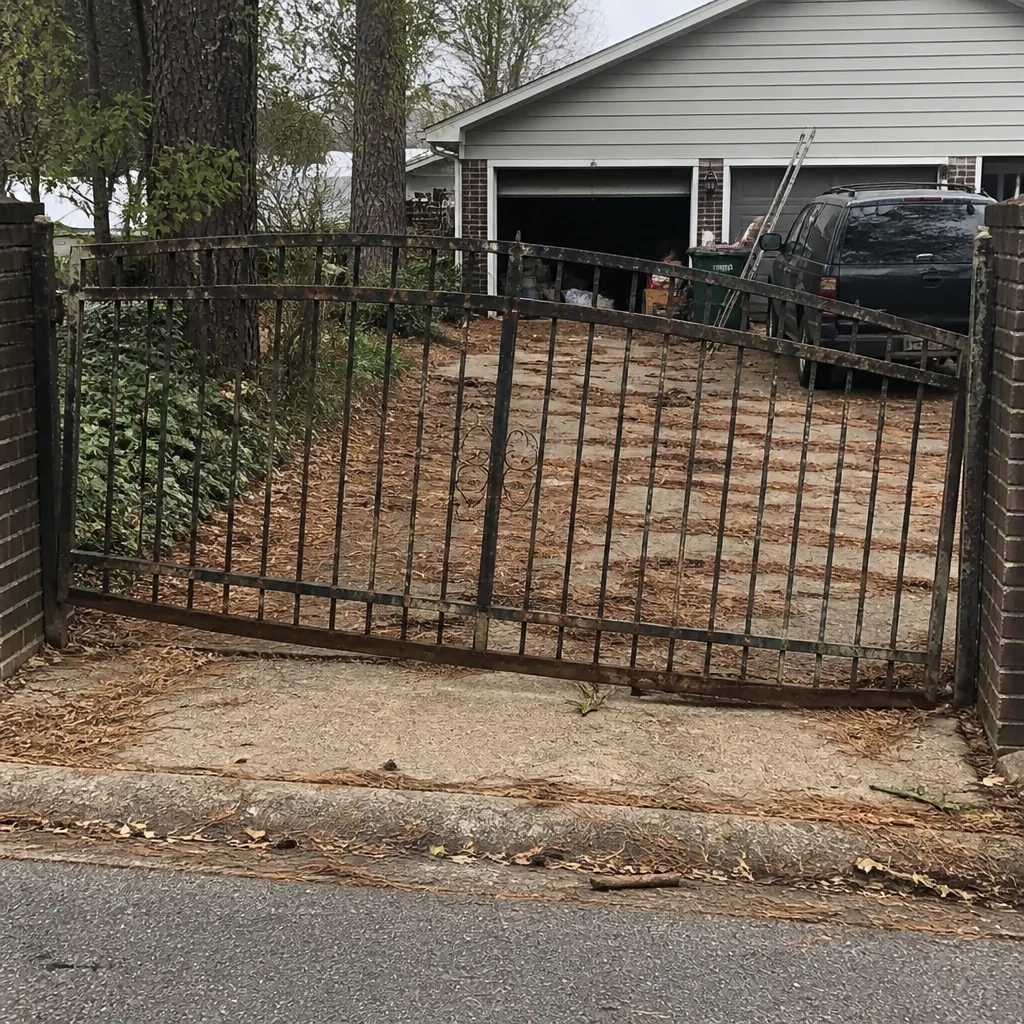 Before
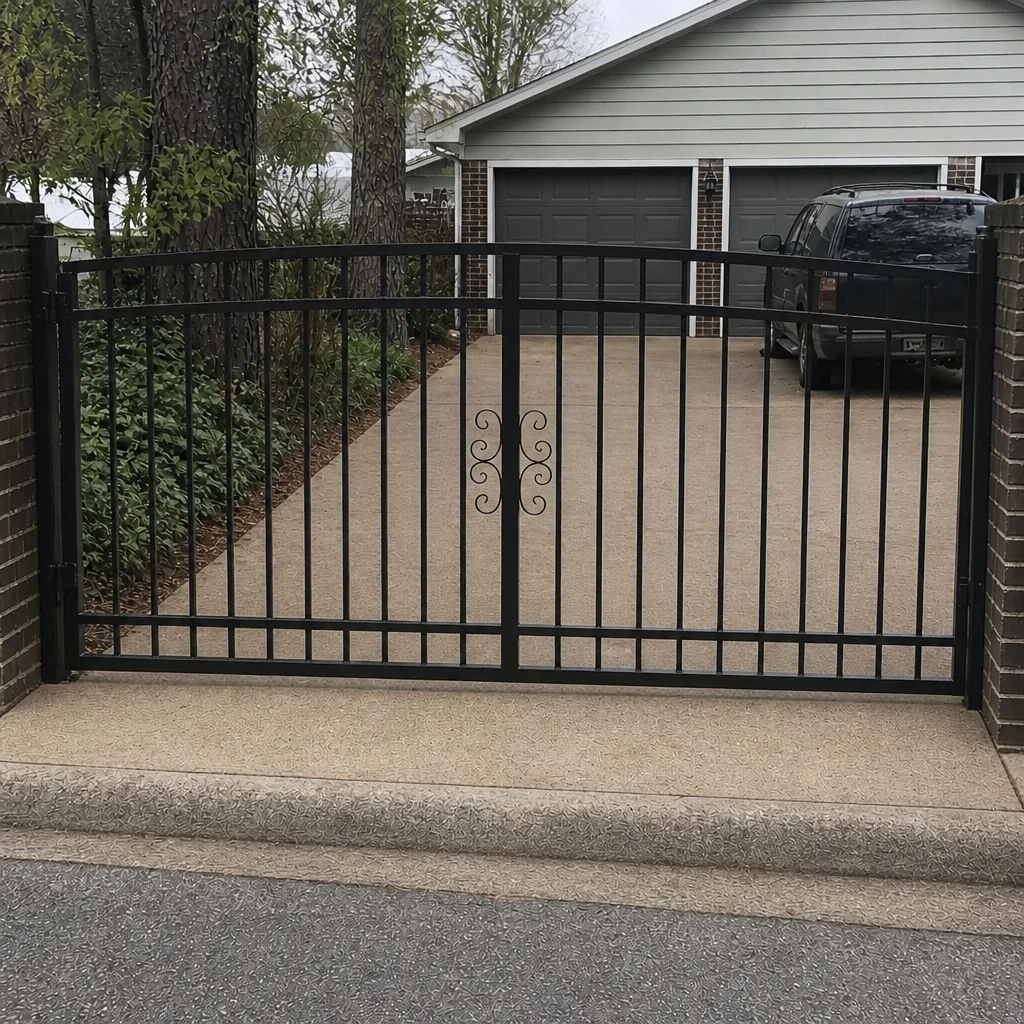 After
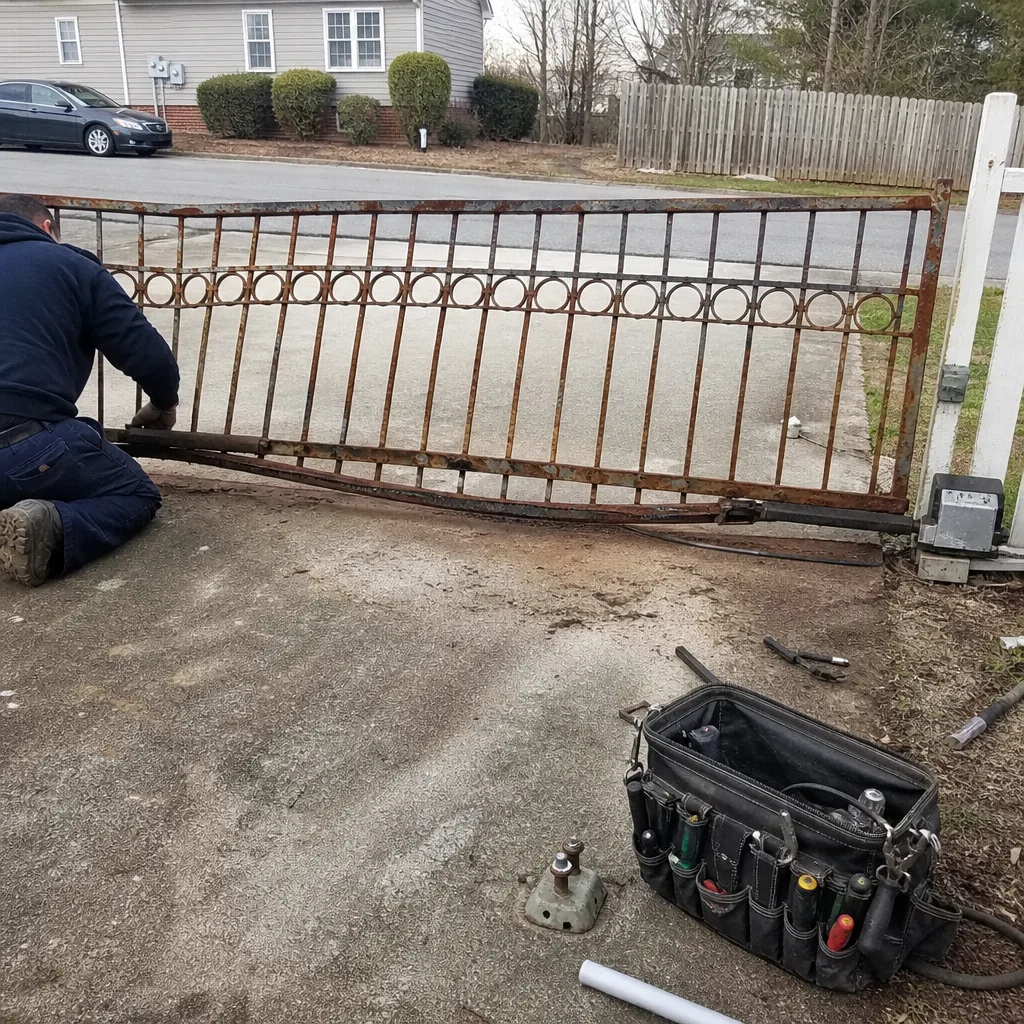 Before
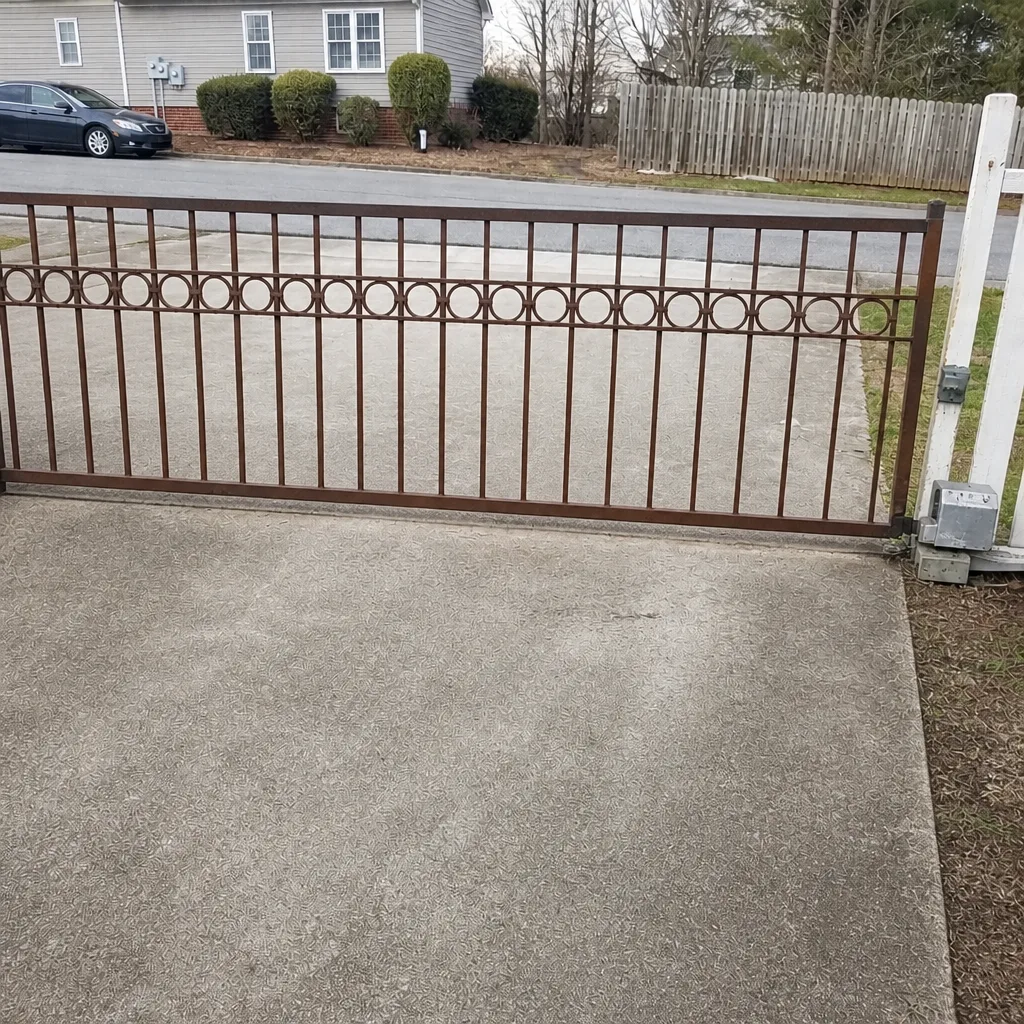 After
When to Call a Professional
Call us when the symptom is electrical, when the gate won’t respond or won’t move at all, or when a heavy panel has lost its support and you risk injury by touching it. Call when you’re seeing pattern changes you can’t explain: intermittent operation, one-direction failure, or sensors that trip without cause. Call before you attempt a repair that involves the operator, wiring, or control board. And call for a professional diagnosis if the gate is sagging, dragging, or making new noises you can’t place; catching it early is the whole point of this guide. As a Gate Repair Hampton, we offer free estimates for homeowners and property managers throughout Hampton, including for residential and commercial systems, and our technicians have up to 9 years of experience across brands from DIY residential openers through heavy commercial systems. Call (855) 686-7069. We answer 24/7. Fast dispatch from 7am to 7pm, Sunday through Friday.
Frequently Asked Questions
The most common warning signs in Hampton are grinding or scraping during operation, a motor that hums or clicks without moving the gate, a gate that stops short or reverses, and sensors that trigger in humid weather. Rust bleed on concrete and post lean are also common in Hampton’s climate and point to mechanical wear. Any of these is worth scheduling before it worsens.
Grinding that’s gradual and consistent usually lets you schedule within about 30 days, because it’s mechanical friction rather than an electrical failure. But if grinding is paired with the gate stopping short, dragging, or a motor that’s straining, treat it as same-week. Running a struggling gate accelerates wear and risks the operator.
One-direction failure almost always points to the control side: a safety sensor, loop detector, or limit setting telling the board the path isn’t clear. It’s rarely the operator motor itself. A technician can trace which input is causing it and correct it; a generalist usually can’t. Call (855) 686-7069 for a diagnosis.
No. The wiring and power inside an operator enclosure can be dangerous, and a board fault can’t be diagnosed by inspection. Leave the control box closed, note what the gate is doing, and call a trained technician. We handle motor, control board, loop, and intercom diagnostics as part of electric gate work.
Humidity affects both sides of the system: it fogs and films sensor optics, which causes false triggers and reversals, and it works on wiring and terminal connections to produce intermittent faults. It also leads to post lean from soil shift and rust bleed on steel. If your gate’s symptoms track with muggy days, moisture is a likely factor.
Watch what happens when the gate tries to respond: if it clicks or hums but struggles to move, that’s mechanical resistance; if it struggles to respond at all, that’s electrical. With the operator disengaged and power off, a gate that binds or drags by hand is mechanical. Don’t probe wiring to find out; call and describe the symptoms.
The Bottom Line
Your gate doesn’t fail out of nowhere. It grinds, clicks, hums, slows, stops short, or hesitates for weeks before it stops working, and each of those signals points to a specific cause: friction, a control fault, a sensor, a post out of line. Learn the sounds, watch the motion, sort mechanical from electrical without touching any wiring, and know which signs give you a month and which need this week. Document it with a short video and a few photos. Then call (855) 686-7069 for a free estimate. We answer 24/7. Fast dispatch from 7am to 7pm, Sunday through Friday. Catching the warning sign early is the cheapest gate repair there is.
Written by the team at Gate Repair Hampton.